Monday.com → Verify → Update Monday
Verify email column in Monday.com boards and update status automatically. Track leads with confidence.
Use This Template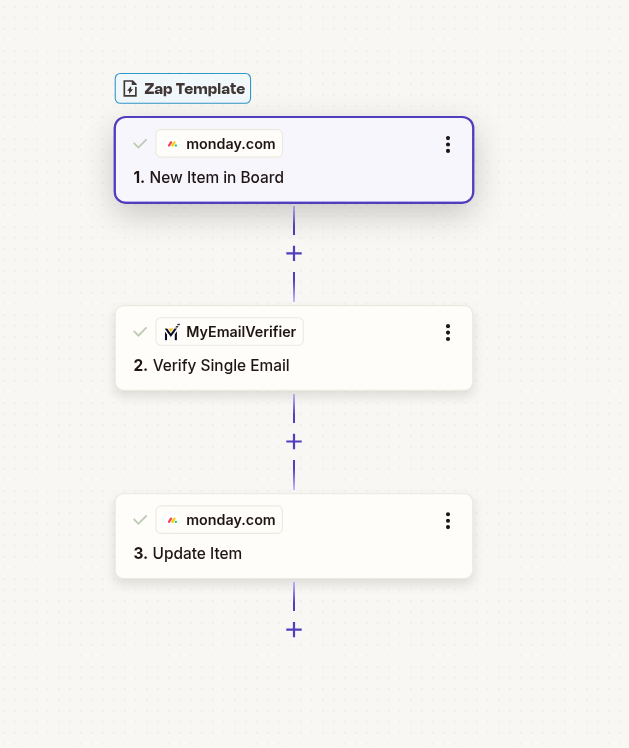
MyEmailVerifier
Verify email quality
Monday.com
Add/update with verified email
Verify email column in Monday.com boards and update status automatically. Track leads with confidence.
Use This Template
Verify email quality
Add/update with verified email
Automatically verify every email before it enters your system. Maintain pristine data quality without manual checking.
Eliminate manual email verification. Focus on engaging with real leads while automation handles validation.
Reduce bounce rates, improve deliverability, and protect your sender reputation with verified email addresses.
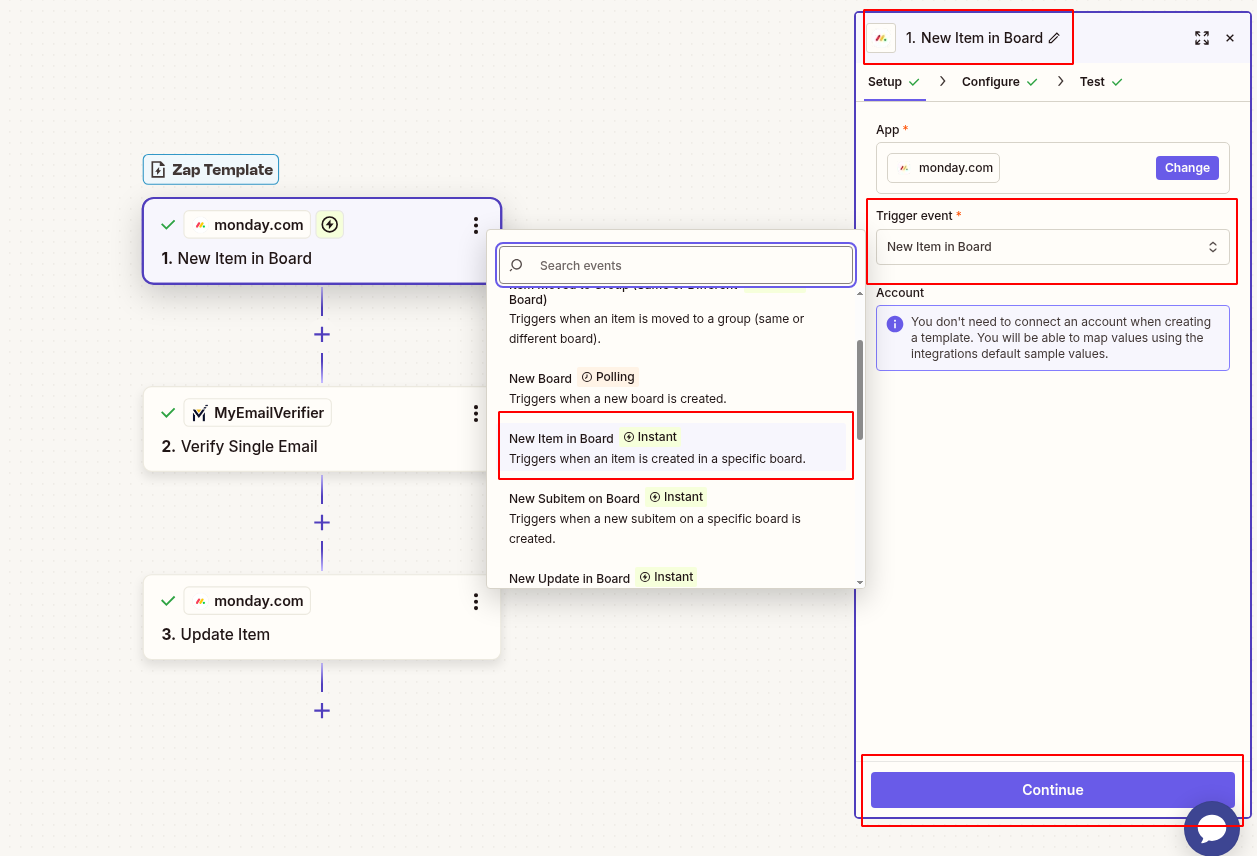
Set up Monday.com to capture new entries:
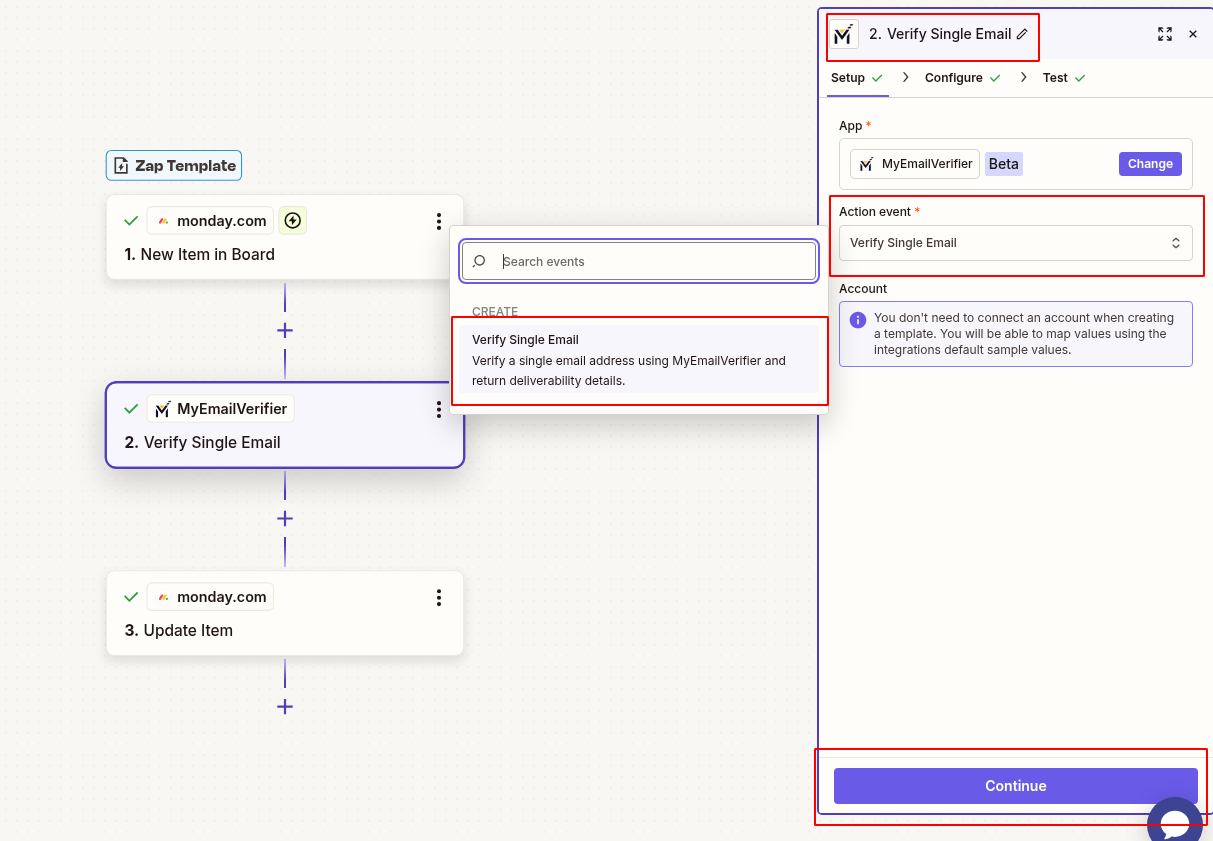
Verify the email address:
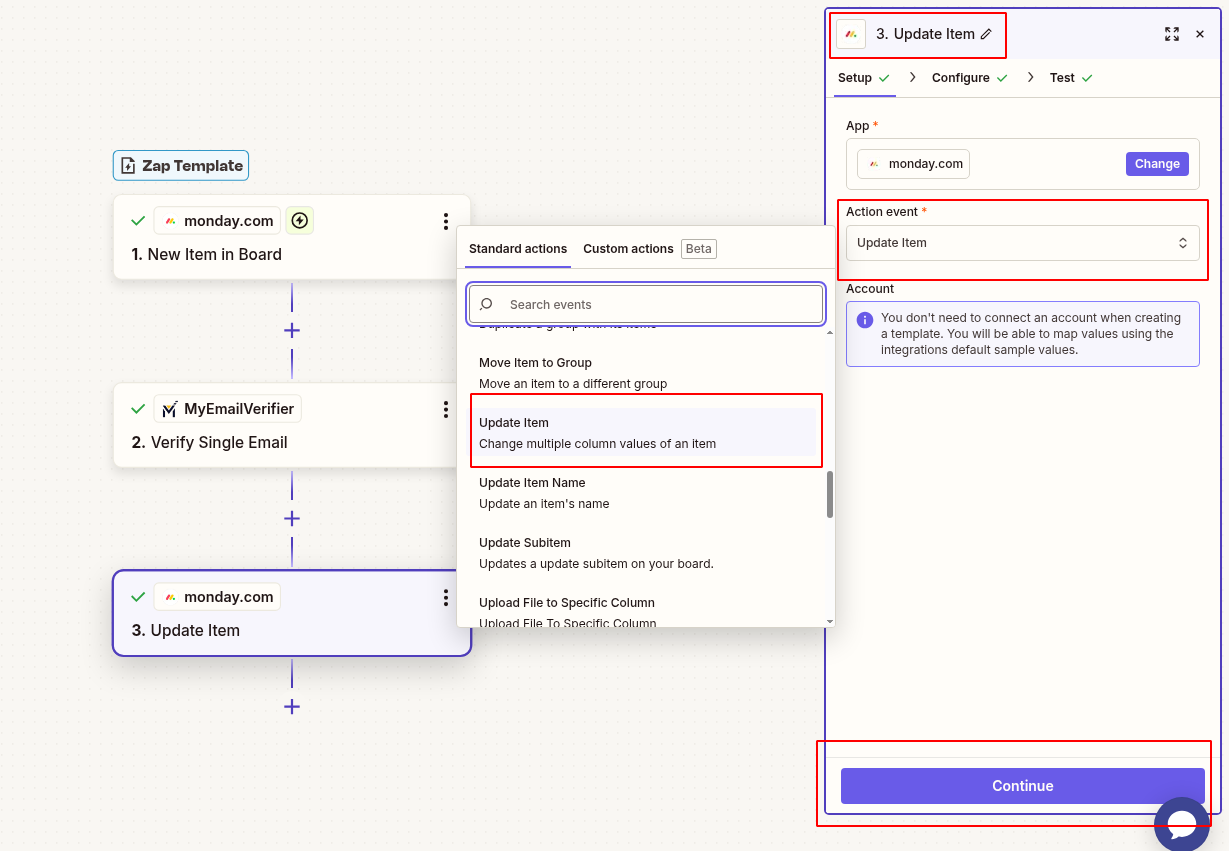
Add verification data back to the same Monday.com item:
Verify everything works:
Scenario: Capture leads from Monday.com and maintain data quality.
Benefit: Only verified emails enter your marketing automation, reducing bounces and improving campaign performance.
Scenario: Automatically clean incoming data before it pollutes your CRM.
Benefit: Maintain pristine database quality without manual intervention or periodic cleanups.
Scenario: Ensure all outreach campaigns use verified email addresses.
Benefit: Higher deliverability rates, better engagement metrics, protected sender reputation.
Set up this integration in minutes and ensure data quality automatically.
Create This Zap View All Templates
Copyright © 2026 · MyEmailVerifier · All Rights Reserved