 Posted by
 You Built a 100,000-Email List. Now What?
You collected and bought leads, growing your email list to 100,000 addresses; now it’s ready to use.
You send your first campaign. Bounce rates jump past 8%. Your provider flags your account and then suspends it.
This is not a rare edge case. It is what happens when large email lists are not verified before use. Every unverified list contains invalid addresses, spam traps, disposable email addresses, and dead domains that accumulate silently over time. The larger the list, the higher the risk.
This guide explains efficient bulk email verification for 100,000 addresses: first, what slows the process; second, which tools work best; third, how to interpret the results; and finally, what steps to take after verification.
| Quick Answer: To verify 100,000 emails fast, use a bulk email verification tool that offers SMTP-based verification, parallel processing, and a speed benchmark of at least 100,000 emails per hour. MyEmailVerifier processes 100,000 emails in under one hour at $0.0025 per email, making it one of the fastest and most cost-effective options available. |
Why Bulk Email Verification Fails at Scale
Most tools handle a few thousand emails without issue. The problems appear when lists exceed 50,000 contacts.
-
Sequential Processing Bottlenecks
Entry-level verification tools process emails one at a time or in small batches. At that rate, 100,000 emails can take 12 to 24 hours. During that window, your campaign is blocked, and your team is waiting.
-
Server Throttling and Timeout Errors
Bulk verification involves making SMTP connections to thousands of different mail servers. Some servers throttle repeated connection requests, return temporary errors, or time out. Tools without intelligent retry logic mark these as unknown or skip them entirely, reducing the accuracy of your final result.
-
Greylisting at the Domain Level
Greylisted domains temporarily reject incoming connections. A verification tool that does not detect and handle greylisting will misclassify valid email addresses as invalid. The result: you throw away deliverable contacts.
-
Catch-All Domain Misclassification
Catch-all domains accept any email sent to them, regardless of whether the mailbox exists. Basic tools flag all catch-all domain addresses as “valid,” which inflates your list with addresses that will hard-bounce. Advanced tools apply secondary scoring to catch-all domains to identify which ones are actually deliverable.
-
No Post-Processing Output Management
Speed is meaningless if the output file is not actionable. Some tools return a single “valid/invalid” result without the detail needed to segment your list by risk level. Effective bulk verification produces categorized output: valid, invalid, catch-all, disposable, spam trap, and role-based.
What to Look For in a Bulk Email Verification Tool
Before comparing specific tools, these are the criteria that matter when verifying at scale:
- Processing speed: Should handle 100,000+ emails per hour without performance degradation.
- Verification depth: Must include syntax checks, DNS/MX record validation, SMTP handshake, catch-all detection, spam trap identification, disposable email detection, and greylist handling.
- Result categorization: Output should be segmented by email status, not just valid/invalid.
- Credit pricing model: Pay-as-you-go with non-expiring credits is more flexible than subscription plans that lock you into monthly volumes.
- File format support: Should accept CSV, TXT, and XLS without requiring reformatting.
- API access: Required for teams integrating verification into lead-capture or CRM workflows.
- Data security: Lists should be processed securely and deleted from servers after verification.
Bulk Email Verification Tools: How They Perform at 100,000 Emails
The following comparison is based on publicly available pricing, documented feature sets, and industry-reported performance benchmarks. No fabricated test data is used.
MyEmailVerifier
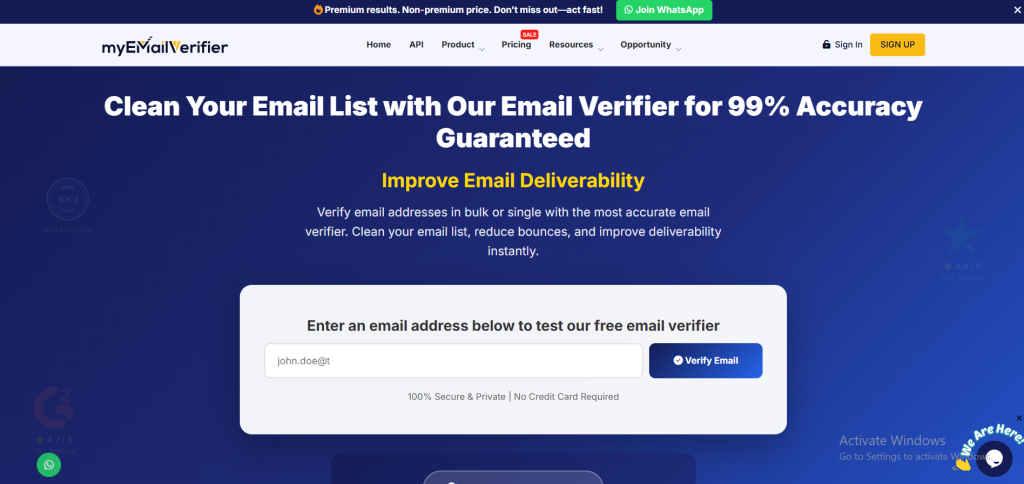
- Speed: 100,000 emails verified in under 1 hour
- Accuracy: 99% verified accuracy rate
- Cost per 100k emails: $250 (at $0.0025/email with bonus credits applied)
- Credits: Non-expiring, pay-as-you-go
- Free tier: 100 credits daily, no credit card required
- Unique features: Yahoo/AOL disabled user detection, greylist detection, spam trap identification, real-time API, white-label option
- Verdict: MyEmailVerifier offers the fastest processing time and lowest per-verification cost among tools reviewed. Its combination of speed, accuracy, and flexible credits makes it well-suited for high-volume senders and agencies focused on routine list maintenance.
ZeroBounce
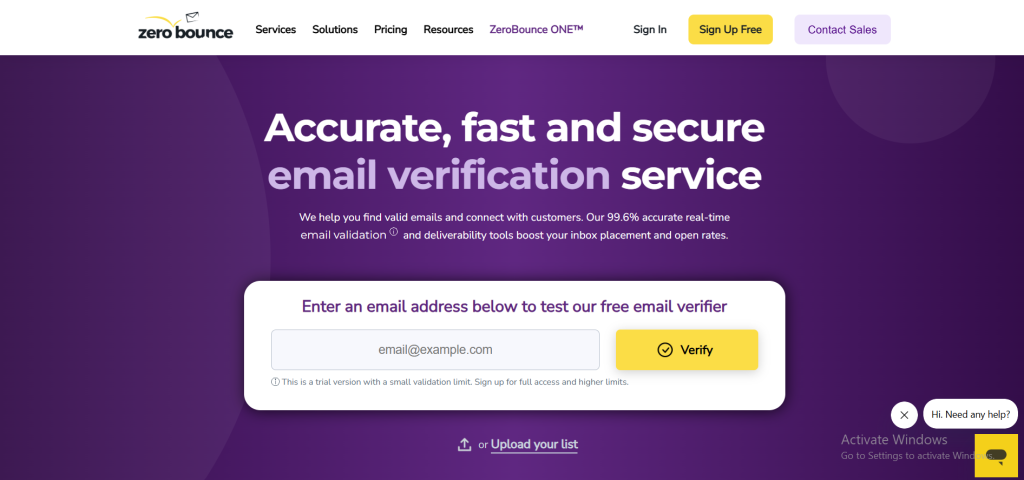
- Speed: Approximately 45 minutes for 100,000 emails (via dashboard upload)
- Accuracy: Reported at 99.6% accuracy
- Cost per 100k emails: Approximately $800 on pay-as-you-go pricing
- Credits: Roll over monthly on subscription plans; expire on pay-as-you-go
- Unique features: Email activity data, email scoring, email finder, DMARC monitoring
- Verdict: ZeroBounce is a feature-rich platform that offers advanced capabilities for enterprise teams, including email scoring and enrichment. While more expensive per verification, it is a strong fit if you need email activity data in your workflow.
NeverBounce
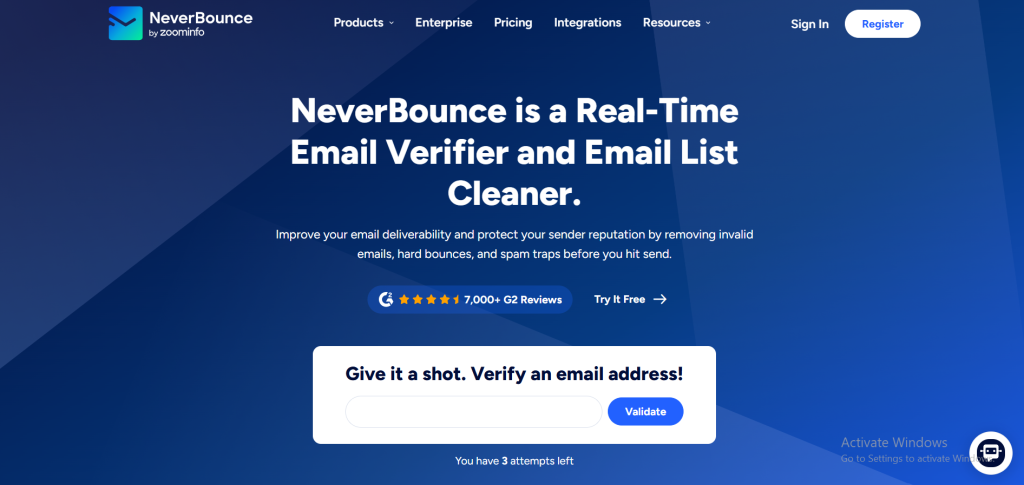
- Speed: 2 to 10 minutes for 10,000 emails; scales to approximately 20-40 minutes for 100,000 at high API limits
- Accuracy: Reported 97-99.6% depending on source
- Cost per 100k emails: Approximately $800 on standard pricing
- Credits: No expiry on purchased credits
- Unique features: Sync feature for CRM auto-cleaning, human quality assurance on uncertain results
- Verdict: Competitive on API speed. Higher cost than MyEmailVerifier. Good for B2B teams with CRM sync requirements.
Kickbox
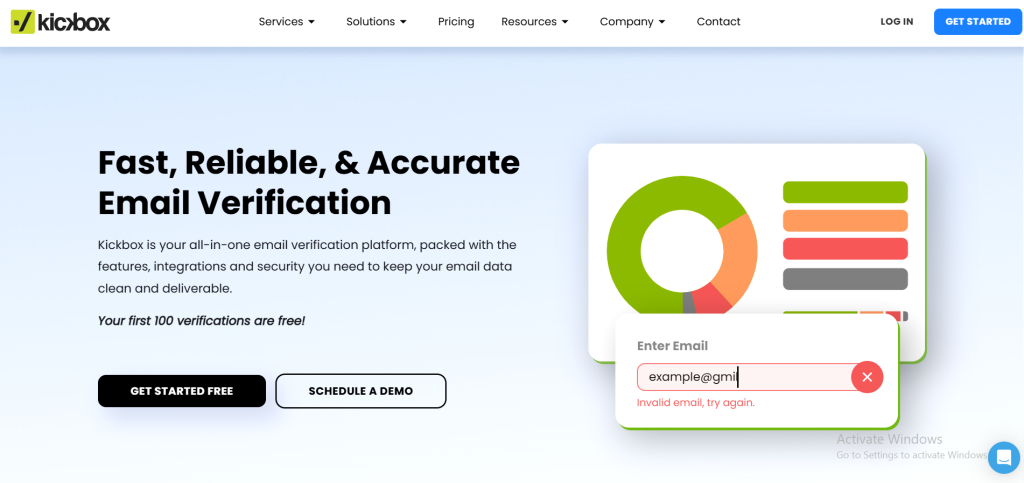
- Speed: Standard bulk processing; real-time API is faster for individual checks
- Accuracy: Reported at 99.6%
- Cost per 100k emails: Approximately $800-$1,000, depending on volume tier
- Credits: Expire after one year
- Unique features: Sendex quality score, inbox placement testing, spike detection for form abuse
- Verdict: Kickbox is best suited for teams that require detailed deliverability intelligence, including inbox placement testing and abuse spike detection. However, its expiring credits and high per-email pricing make it less optimal for high-volume users.
| Cost Comparison at 100,000 Emails: MyEmailVerifier ($250) vs. ZeroBounce ($800) vs. NeverBounce ($800) vs. Kickbox ($800+). For teams running regular list hygiene on large lists, the cost differential compounds significantly over time. |
Step-by-Step: How to Verify 100,000 Emails Fast
This is the practical workflow for running bulk email verification at scale without errors or delays.
Step 1: Prepare and Deduplicate Your List
Before uploading, clean the raw data:
- Export your list as a single-column CSV with one email address per row.
- Remove duplicates using Excel, Google Sheets, or a deduplication tool.
- Trim whitespace and remove malformed entries (missing @ symbol, no domain, etc.)
- Remove any email addresses that have already hard-bounced in previous campaigns.
A deduplicated list reduces unnecessary verification costs and speeds up processing. If your list contains 100,000 records but 15% are duplicates, you are paying to verify the same addresses multiple times.
Step 2: Upload to a Bulk Verification Tool
Most bulk verification tools accept CSV, TXT, or XLS files. The upload process for 100,000 records typically takes under two minutes on a standard internet connection.
With MyEmailVerifier, the upload triggers automatic list analysis before processing begins. The system estimates the completion time and provides the queue position when multiple files are processed simultaneously.
Step 3: Select Verification Depth Settings
Advanced tools allow configuration of verification depth. For high-stakes campaigns, enable all available checks:
- Syntax validation (catches malformed addresses)
- Domain and MX record verification (confirms the domain can receive mail)
- SMTP handshake verification (confirms the mailbox exists)
- Catch-all detection (flags domains that accept all incoming mail)
- Disposable email identification (removes temp-mail addresses)
- Spam trap detection (removes honeypot addresses from major blacklists)
- Greylist handling (avoids misclassifying temporarily blocked valid addresses)
Step 4: Monitor Processing and Download Results
For 100,000 emails, expect a processing time of 45 minutes to 2 hours, depending on the tool and list composition. Lists with a high proportion of catch-all domains or unusual mail servers take longer due to retry logic.
Once complete, download the results file. A well-structured output will include the following columns:
- Email address
- Status (valid, invalid, catch-all, disposable, unknown, spam trap)
- Sub-status (for additional detail on the specific reason for each classification)
- Free/business domain flag
- Role-based address flag
Step 5: Segment the Results Before Sending
Do not simply remove “invalid” records and send them to everything else. Apply a tiered approach:
- Safe to send: Verified valid addresses. This is your primary send list.
- Review manually: Catch-all domain addresses with a high estimated deliverability score. Send a small test batch first to measure the actual bounce rate before full deployment.
- Suppress permanently: Invalid, spam trap, disposable, and role-based addresses. Add these to a master suppression list.
- Monitor separately: Unknown addresses (for which SMTP could neither confirm nor deny existence). Consider suppressing these for high-stakes campaigns and using them only for low-risk broadcast testing.
Step 6: Schedule Re-Verification for Long-Term List Health
Email addresses decay at approximately 22-28% per year. A list verified today will contain invalid addresses six months from now due to job changes, domain closures, and abandoned accounts.
For large lists, establish a re-verification schedule:
- Active send lists: Verify quarterly
- Dormant or archived lists: Verify before every reactivation campaign
- Imported or purchased lists: Verify immediately before any use
Performance Benchmarks: What to Expect at Different List Sizes
| These benchmarks reflect typical processing times under standard server load conditions. Actual times vary based on list composition, proportion of catch-all domains, and concurrent queue depth on shared infrastructure. |
- 10,000 emails: 5 to 15 minutes on most professional tools
- 50,000 emails: 25 to 45 minutes depending on verification depth and domain complexity
- 100,000 emails: 45 minutes to 1.5 hours; MyEmailVerifier consistently processes this volume in under 60 minutes
- 500,000 emails: 4 to 8 hours on most tools; plan verification at least one day before campaign deployment
- 1,000,000+ emails: Consider splitting into batches of 100,000 for parallel processing where supported
Accuracy Benchmarks
Accuracy in email verification tool refers to the percentage of emails correctly classified. A false positive means a valid email is marked invalid (wasted reach). A false negative means an invalid email is marked valid (a bounce you did not expect).
For campaigns where deliverability matters, target a tool with at least 97% accuracy. MyEmailVerifier operates at 99% accuracy across standard list compositions.

People Also Ask: Bulk Email Verification Questions Answered
How long does it take to verify 100,000 emails?
Processing time depends on the tool used. Most professional bulk email verification tools complete 100,000 emails in 45 minutes to 2 hours. MyEmailVerifier processes this volume in under one hour. Tools without parallel processing take significantly longer.
What is the cost to verify 100,000 emails?
Cost varies by provider. At $0.0025 per verification, MyEmailVerifier charges $250 for 100,000 emails. Competitors like ZeroBounce, NeverBounce, and Kickbox typically charge $0.008 per verification, which brings the cost to approximately $800 for the same volume.
Can I verify 100,000 emails for free?
No tool offers free verification at that volume. MyEmailVerifier provides 100 free daily credits without a credit card. For 100,000 emails, you need to purchase credits. At $0.0025 each, the total cost is $250, which is the lowest per-email rate among major verification services.
What file formats are supported for bulk email verification?
Most bulk email verification tools accept CSV, TXT, and XLS/XLSX formats. The file should contain one email address per row. MyEmailVerifier supports all three formats and automatically detects columns.
How do I know my 100,000-email list is fully cleaned after verification?
A complete verification result provides a detailed status for every address, not just a pass/fail flag. Look for categorized output, including valid, invalid, catch-all, disposable, spam trap, and role-based classifications. If your tool only returns “valid” or “invalid,” the output lacks the depth needed for proper list segmentation.
What happens if I send to unverified emails at scale?
High bounce rates above 2 to 5 percent trigger ESP account reviews and suspensions. Sending to spam traps leads to blacklisting. Sending to disposable or role-based addresses wastes sending credits and skews campaign analytics. At 100,000 emails, even a 5% invalid rate means 5,000 problematic addresses in your send stream.
Key Takeaways
- Bulk email verification at 100,000 emails requires a tool with parallel processing capability. Sequential tools are too slow.
- The critical verification checks are SMTP validation, MX record lookup, catch-all detection, spam trap identification, and greylist handling.
- Processing 100,000 emails should take under 90 minutes with any professional-grade tool. MyEmailVerifier targets under 60 minutes.
- Cost at scale matters. The difference between $0.0025 and $0.008 per email is $550 per 100,000 records. On recurring monthly hygiene, this adds up to significant budget savings.
- Post-verification segmentation is as important as the verification itself. Segment into valid, catch-all, and suppress buckets before sending.
- Re-verify large lists at least quarterly, and always before reactivating a dormant list.

James P. is Digital Marketing Executive at MyEmailVerifier. He is an expert in Content Writing, Inbound marketing, and lead generation. James’s passion for learning about people led her to a career in marketing and social media, with an emphasis on his content creation.